






Become the owner of a referral link
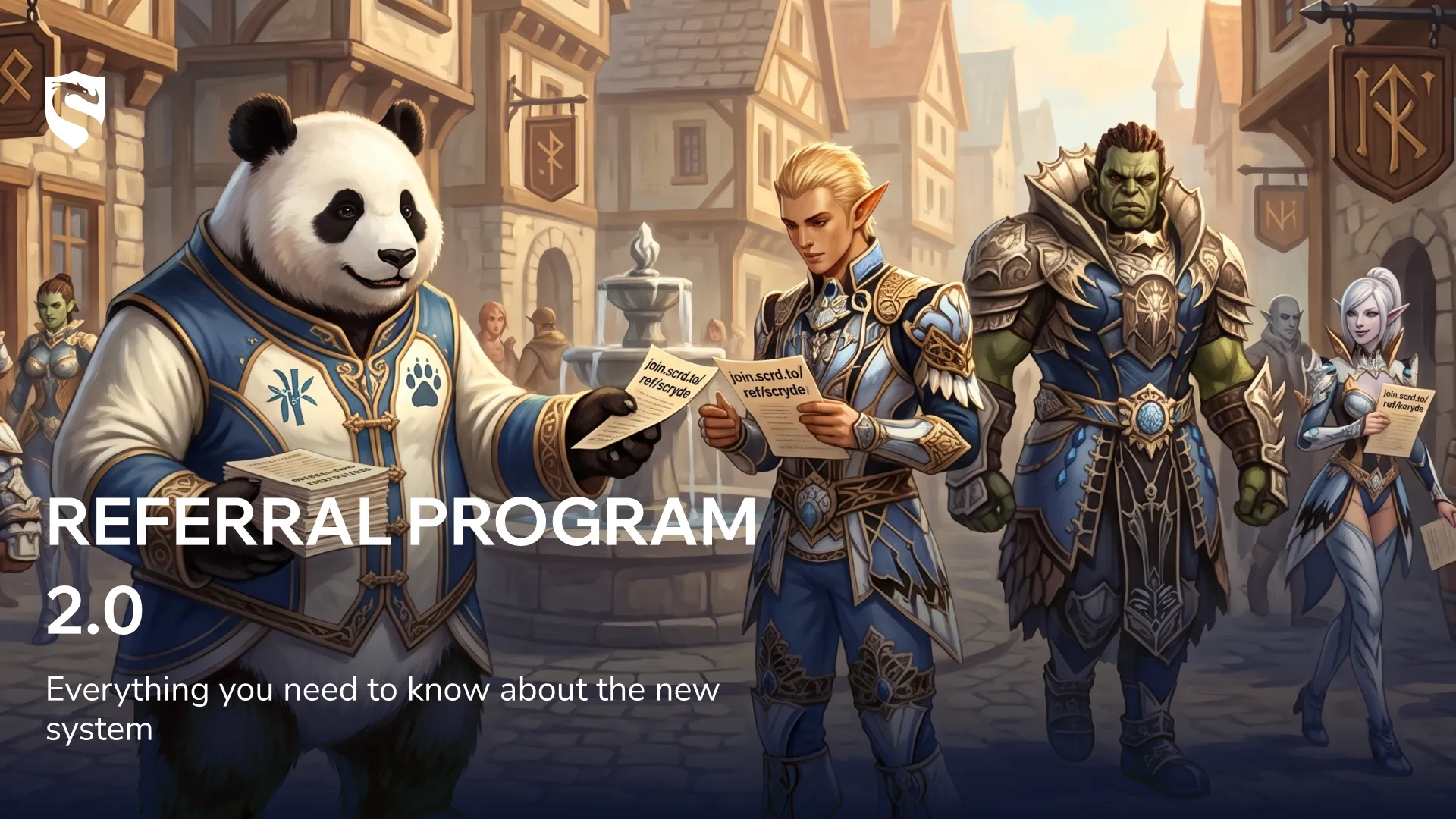
We've completely rebuilt the referral system, and now every player has their own personal link. Send it to another player, they sign up — and you both come out ahead. Here's how it works, step by step.
What's changing with the new referral system?
First of all, players who registered their Scryde ID before 2.09, 11:00 (GMT+3) are automatically linked to the referral link, so there's no need to create a new account. This also applies to old accounts that weren't originally registered through the referral link.
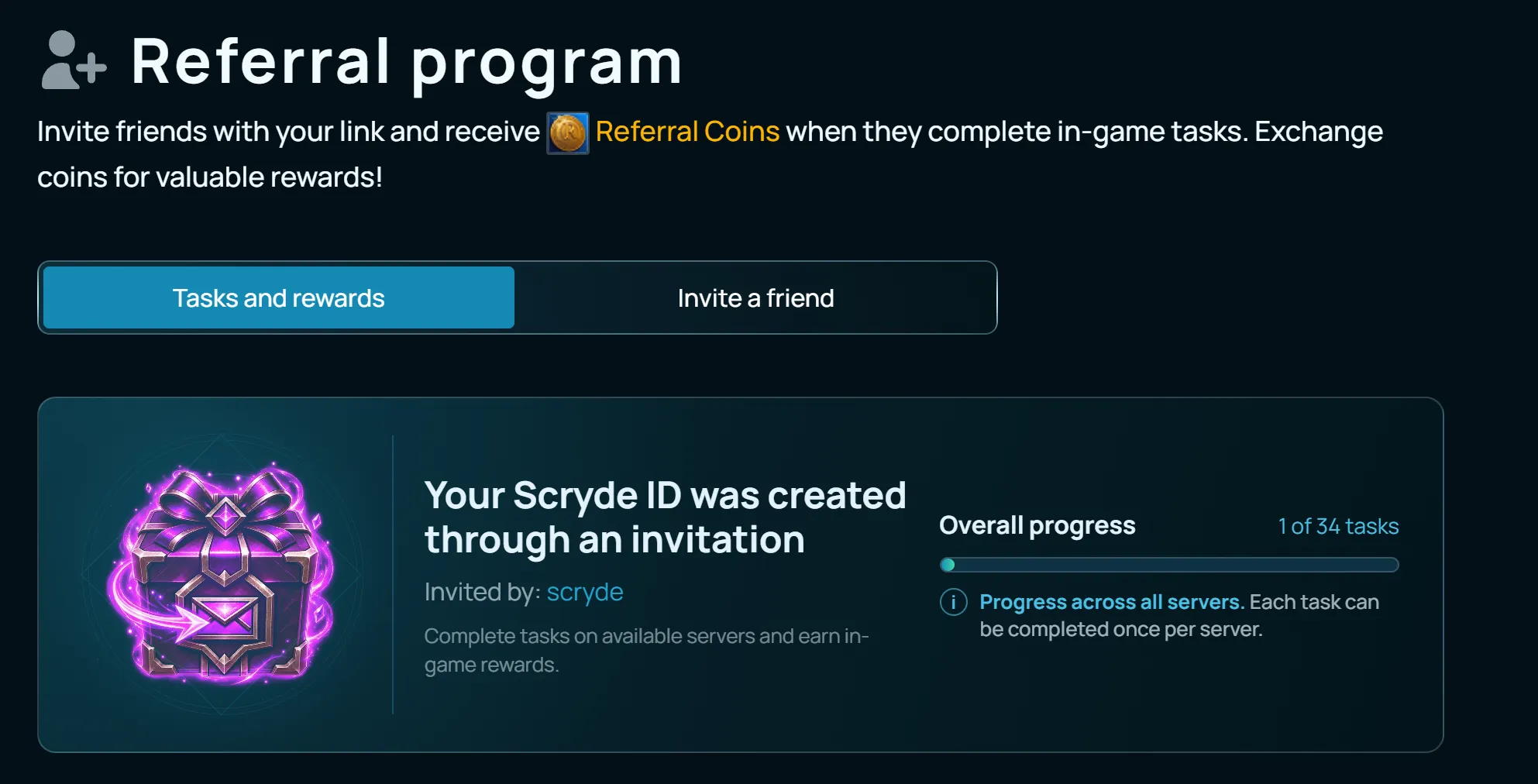
If you'd already claimed referral rewards before, the task list has been reset — you can go through them again and earn the rewards a second time.
Another nice improvement: when a new Scryde server launches, you no longer need to create a separate account to get referral rewards. Just keep playing on the same account you've already been earning rewards on — X2, X5, or X50 — the new system works there too.
What's changing for new players?
We've made the referral link page clearer, so nobody misses important steps at the start.
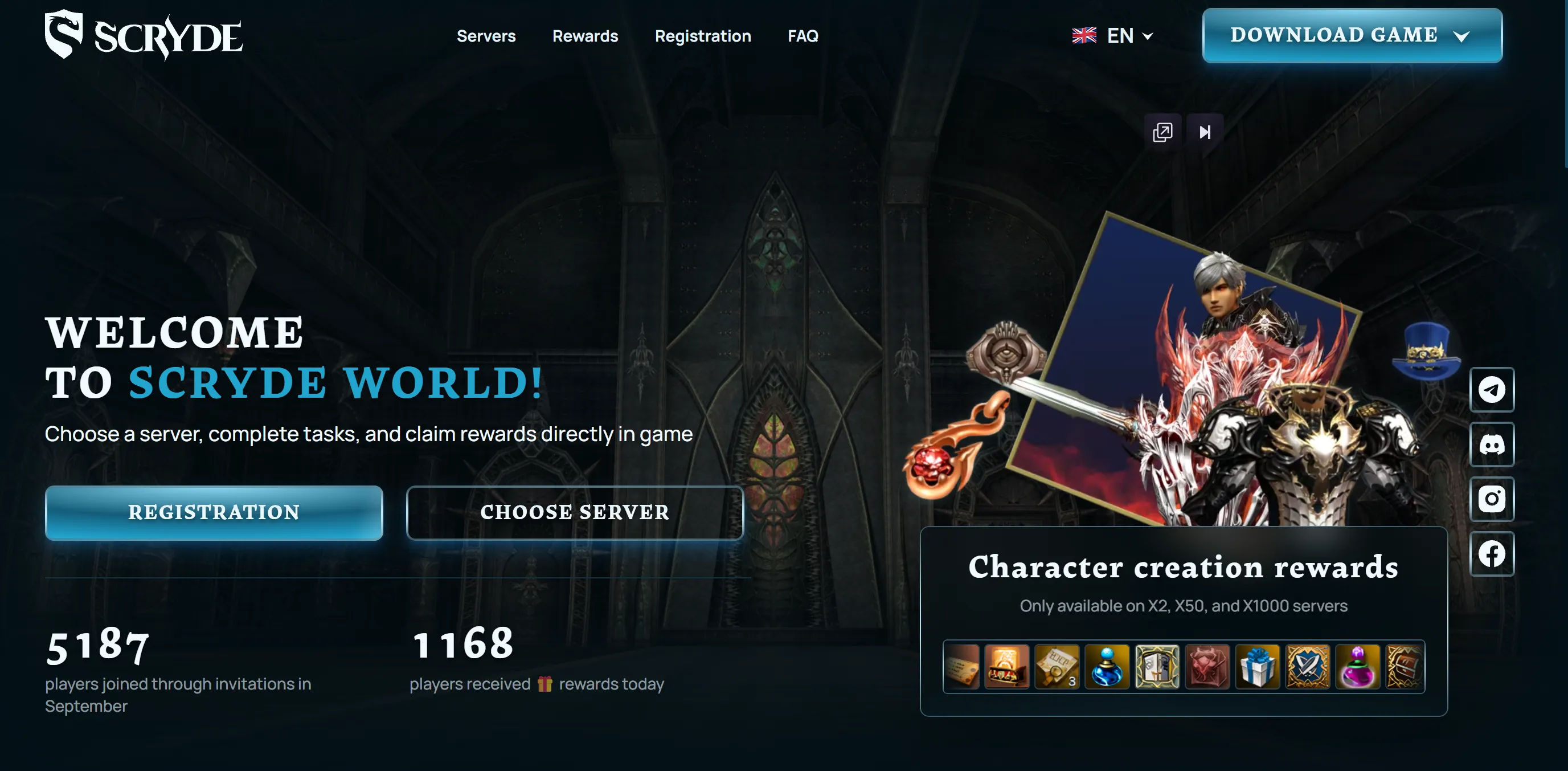
The big change: the link is no longer tied to a specific server. Before, you had to hunt down the link for your particular server — now it's tied to the player, streamer, or content creator themselves, and you can use it to start playing on anything: the new Classic server, old X50, or X1000.
How do you get your link?
Go to your Personal Account → "Referral Program" section — your link will be there. It's not tied to any server, so you can share it with anyone, even if you personally play on X50 or X1000.
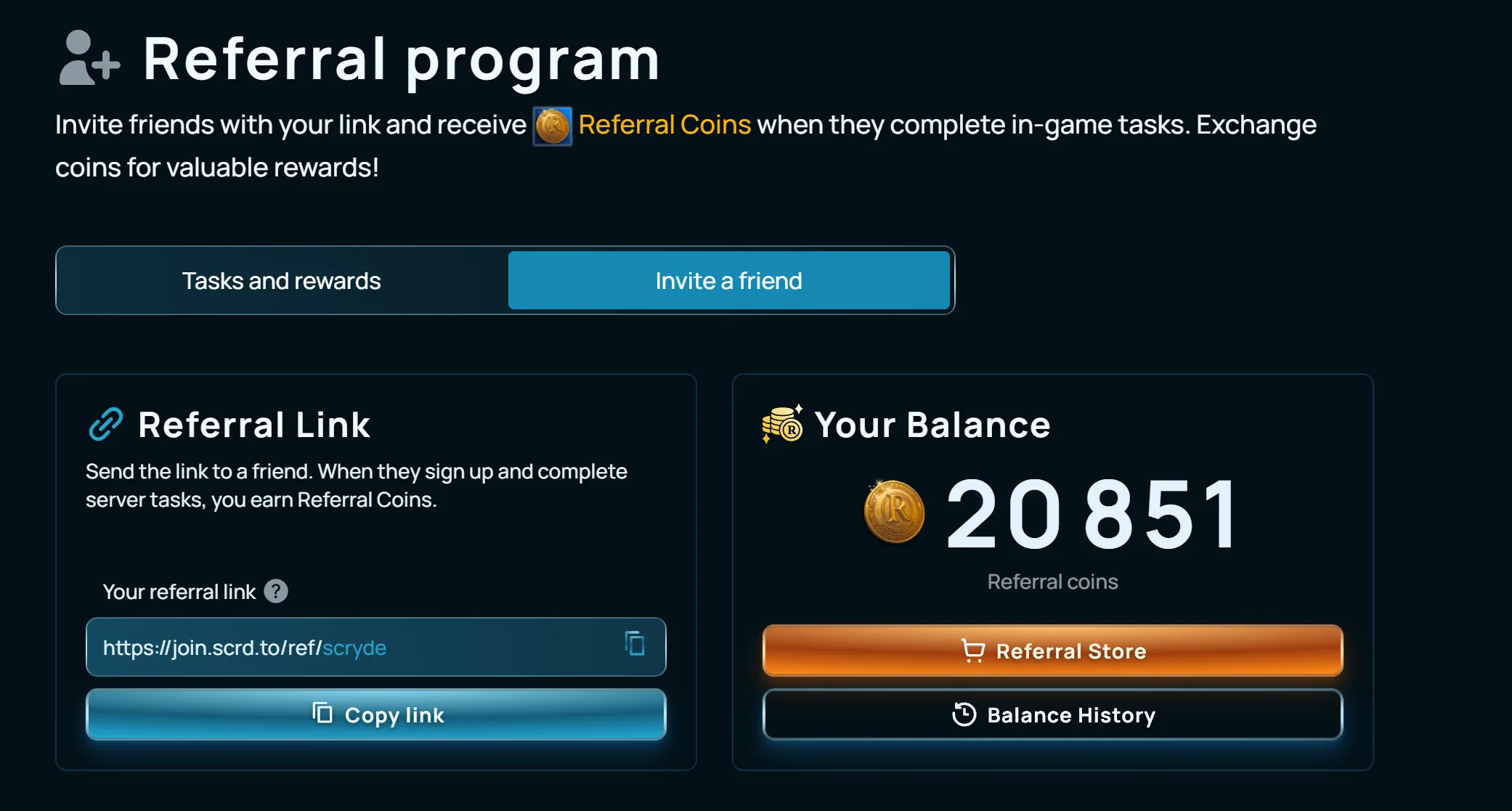
Referral coins
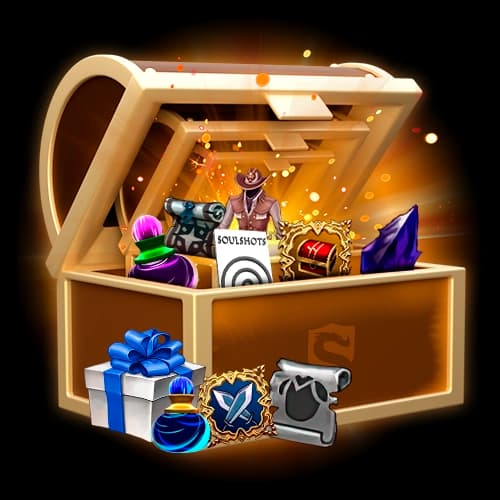
For every task a player completes through your link, you earn Referral Coins. You can spend them in a dedicated shop stocked with consumables, scrolls, and accessories. The shop is available on every server.
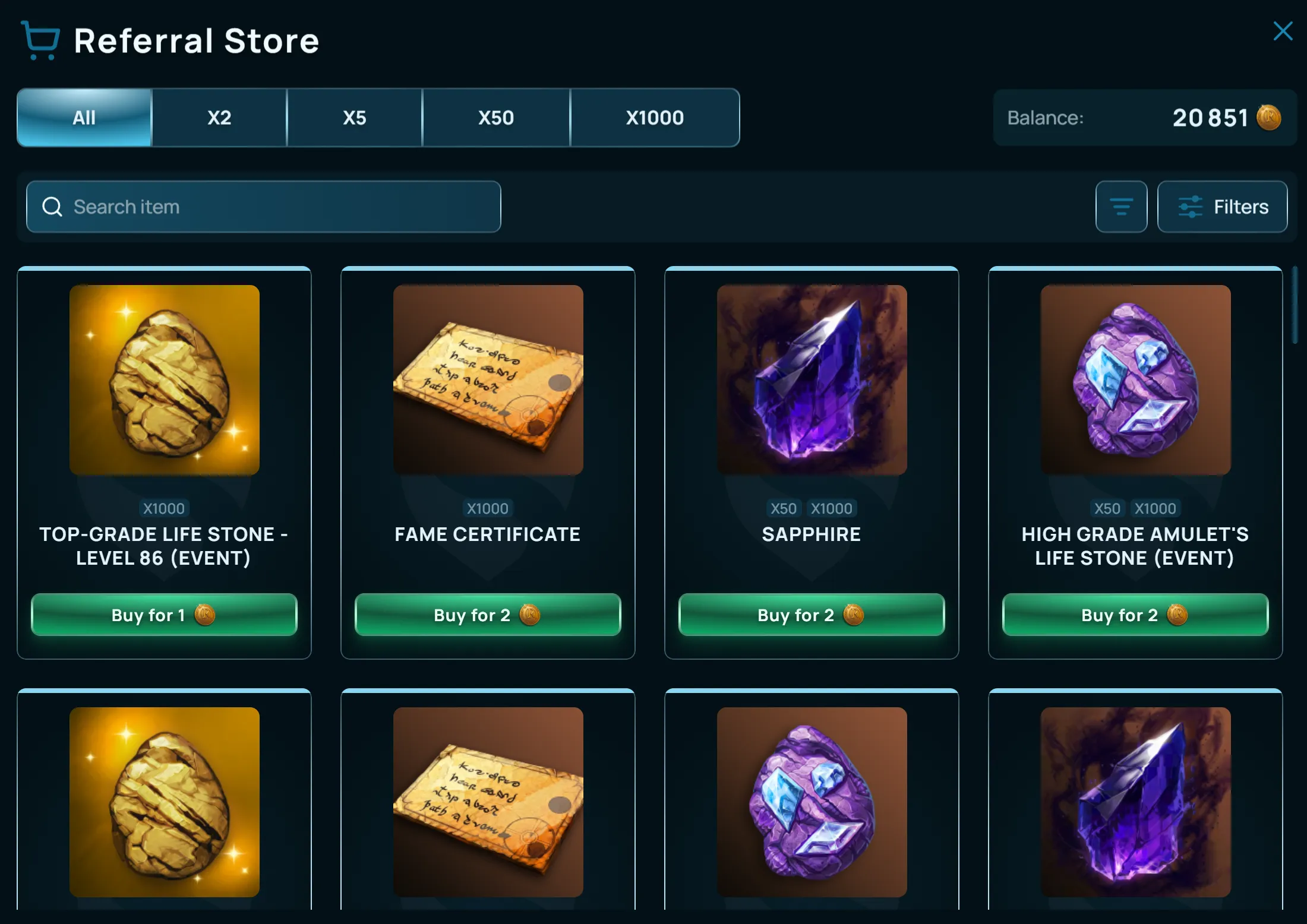
Tracking your referral link stats
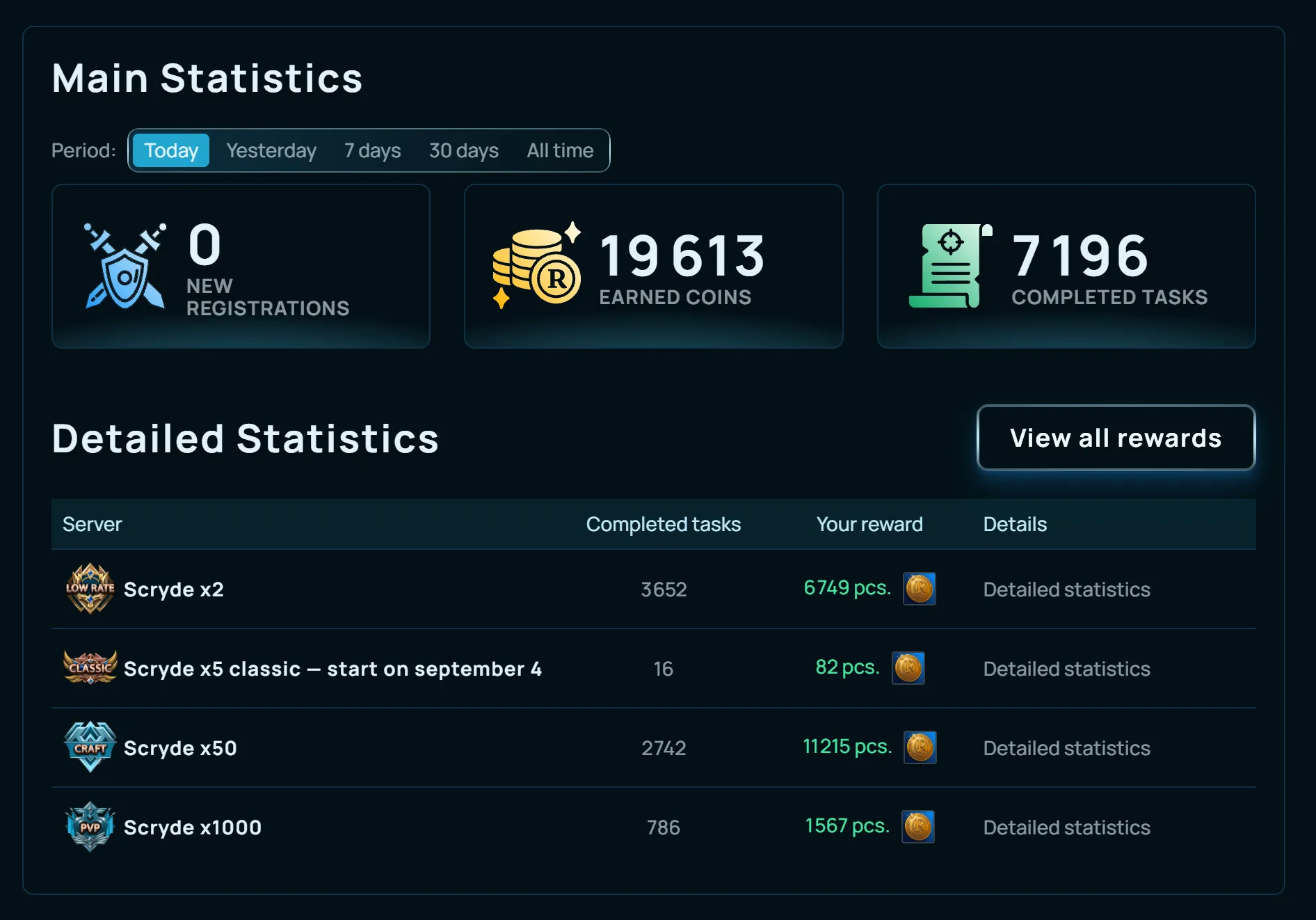
Stats live in the same section of your Personal Account. You can view data for today, yesterday, 7 days, 30 days, or all time, and break it down by server to see which one's bringing in the most coins.
Item warehouse (inventory)
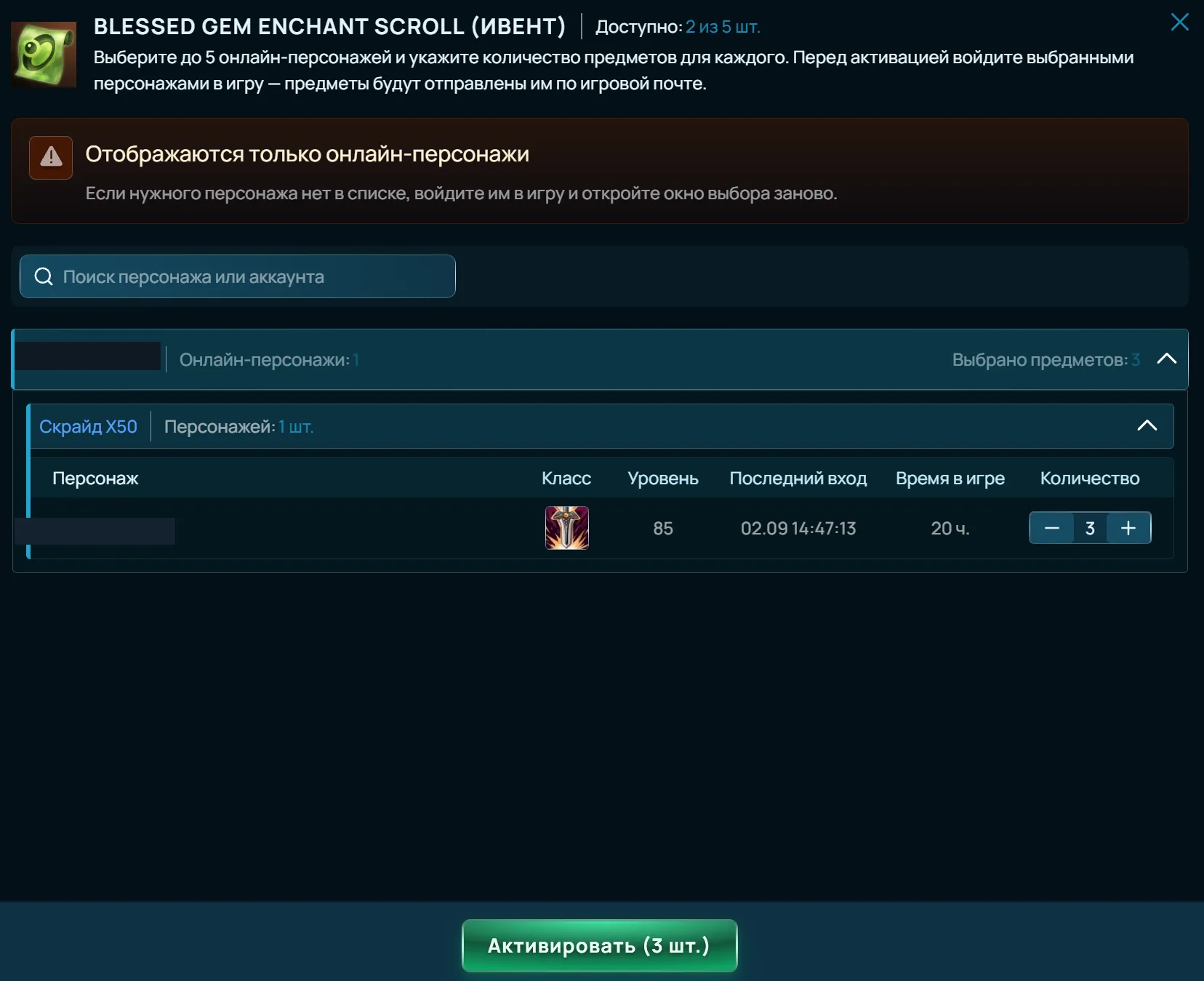
Everything you buy in the referral shop goes straight to your item warehouse (inventory).
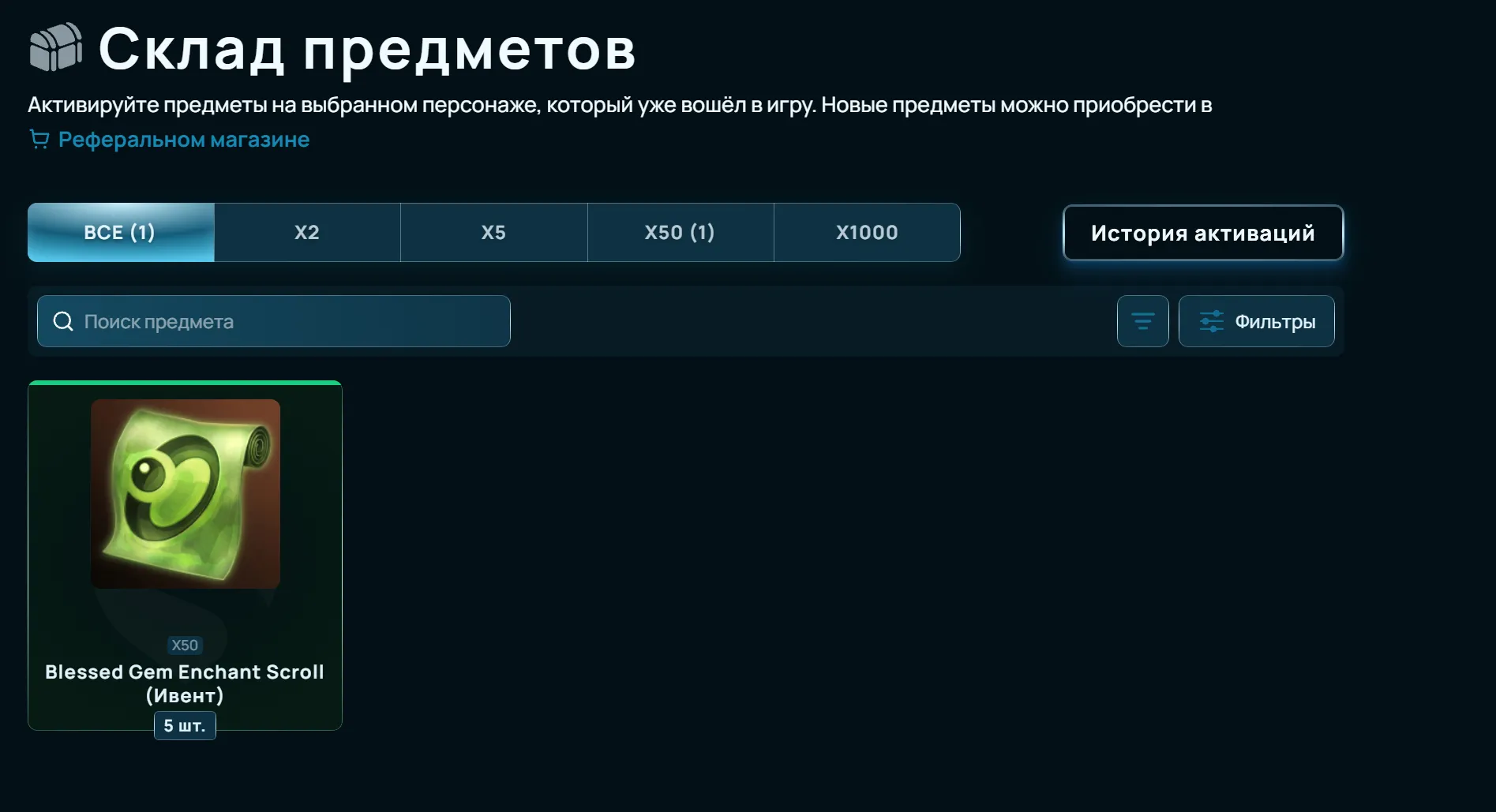
To send an item to a character's in-game mail, that character needs to be online — and a single item can be sent to several characters at once.