







Game notifications. Right in Telegram.
Orion watches over your character while you're away!
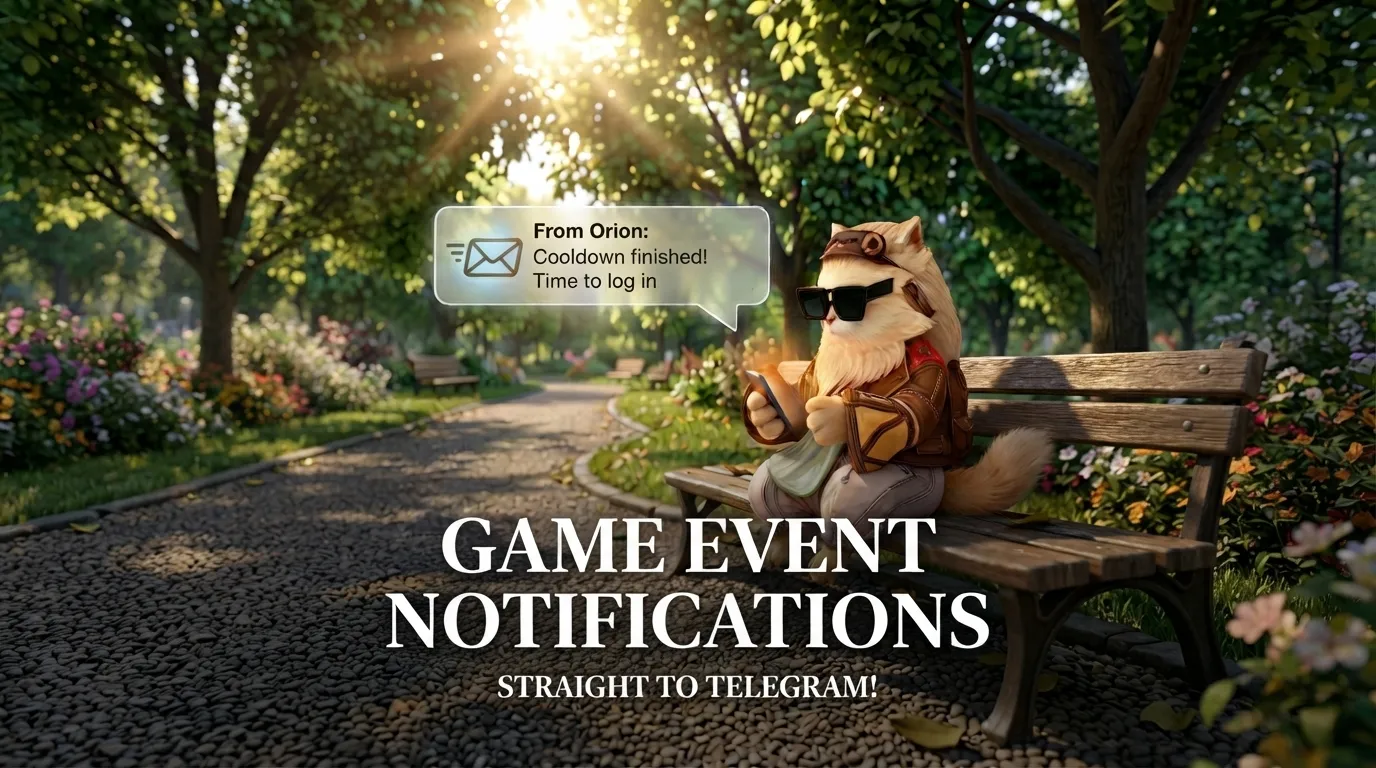
All the important events come straight to you as notifications — from sold items to your farm's status. Your instance reset, olympiad starting, hungry animals, or a successful trade — you'll know instantly.
Nothing slips through, even when you're offline.
Connect Orion Notifications
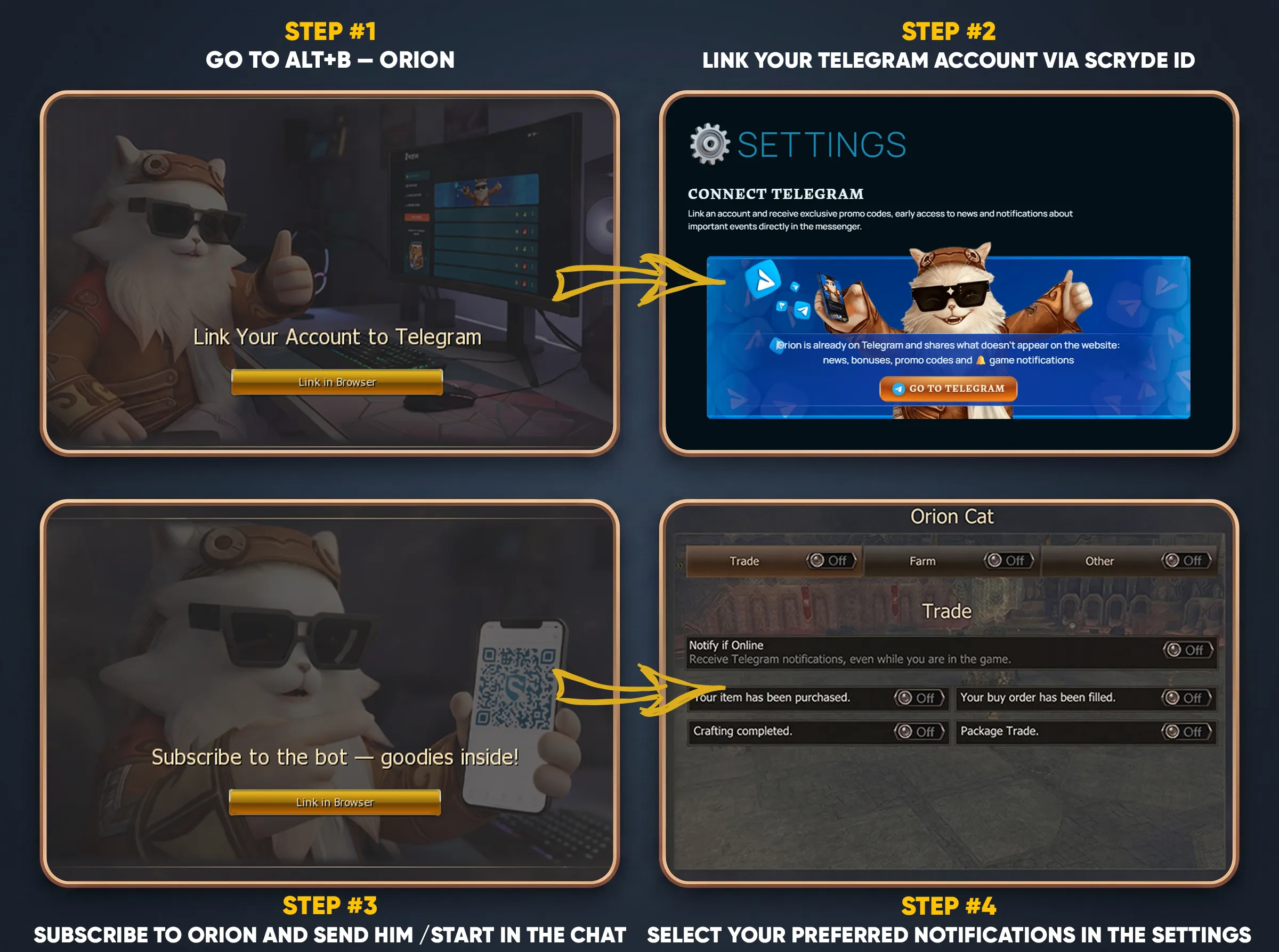
Graphic Instruction
Text Instruction
1. The required conditions for connecting notifications area Scryde ID and a Telegram Account. If you don't have a Scryde ID, here is a detailed guide on how to create and use one —Scryde ID Guide
2. To activate notifications, go to ALT+B -> Orion.
3. Link your account to Telegram by clicking the "Link in Browser" button and proceed to Scryde ID to complete the linking.
4. After successfully linking your Scryde ID and Telegram Account, return to the game and click "Next Step" to proceed, where you will need to subscribe to Orion and send him a start message — /start. Also you can click here for Orion the Cat -*Click*
5. After successfully subscribing to Orion, click "Next Step" to access the notification settings menu, where you can select the available options for receiving notifications.